How to Choose Pop-Up Plug Sockets for Your Kitchen Island

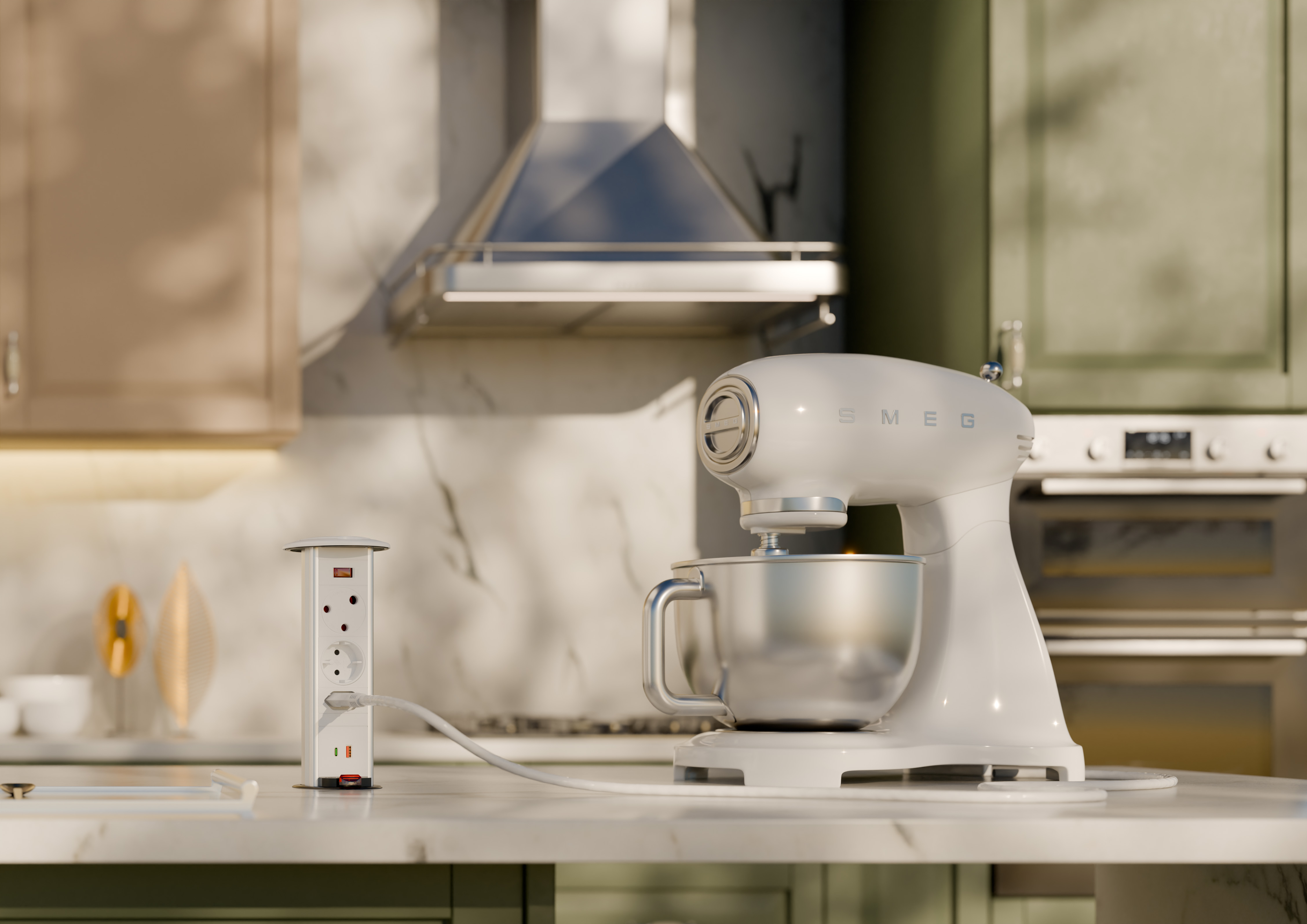
A kitchen island is often where we prepare meals, charge phones and open a laptop between tasks. Having power close at hand makes the space easier to use—but choosing the right outlet takes a little planning.
Pop-up plug sockets bring power into the countertop and retract when no longer needed. Here’s what to consider before choosing one.
Manual pull-up or gas-strut operation?
A manual PowerDock is raised and lowered by hand using a handle. Powerlogic’s MK 1, MK 3, PD 4 and PD 5 ranges offer this straightforward approach.
For gas-strut-assisted opening, consider the MK 2 or Gemini. The mechanism raises the unit smoothly from its closed position, giving you convenient access to the sockets.
Which sockets and charging ports do you need?
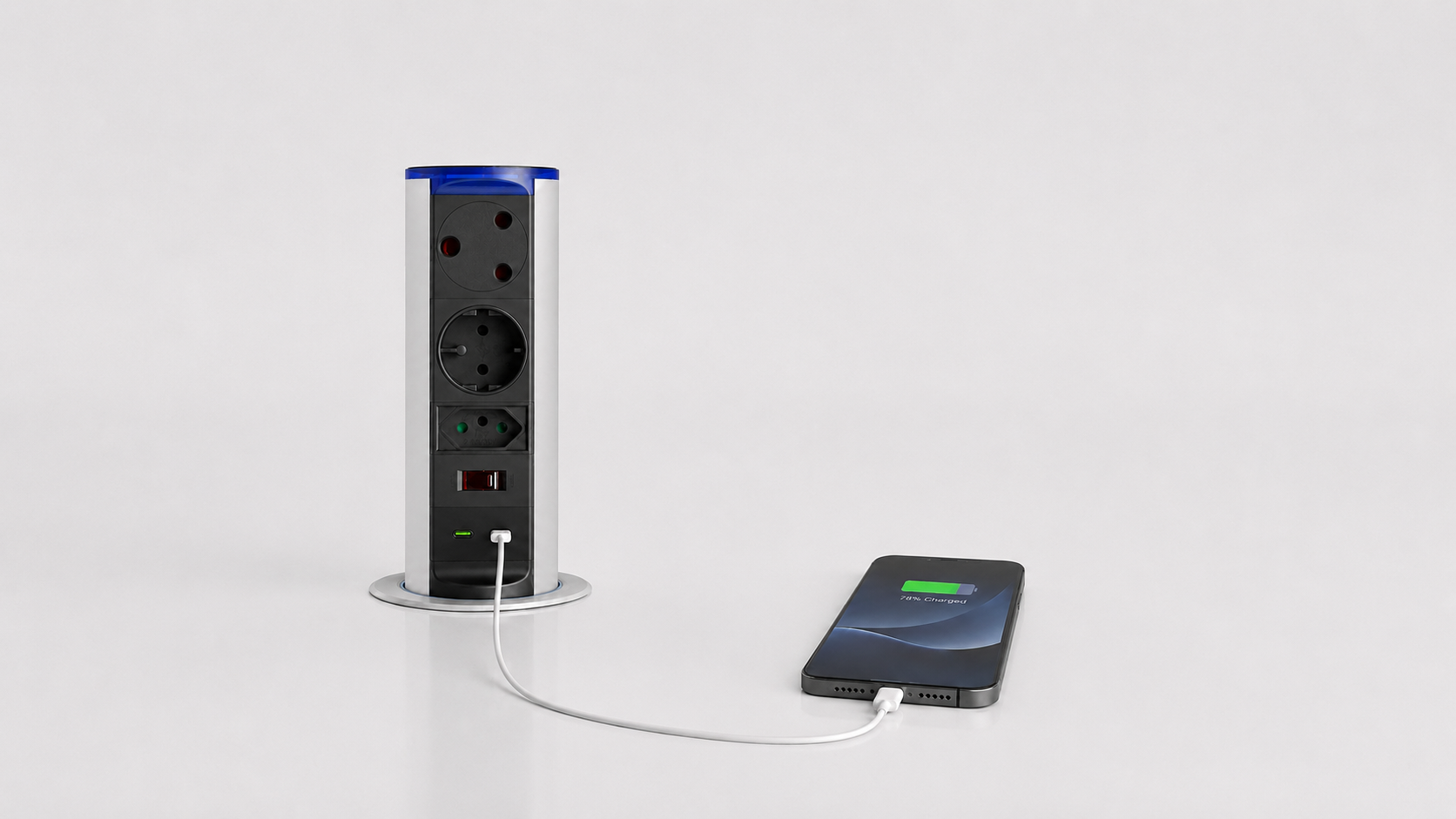
Think about what you regularly plug in. Kitchen appliances need suitable power sockets, while phones and tablets may benefit from integrated USB charging.
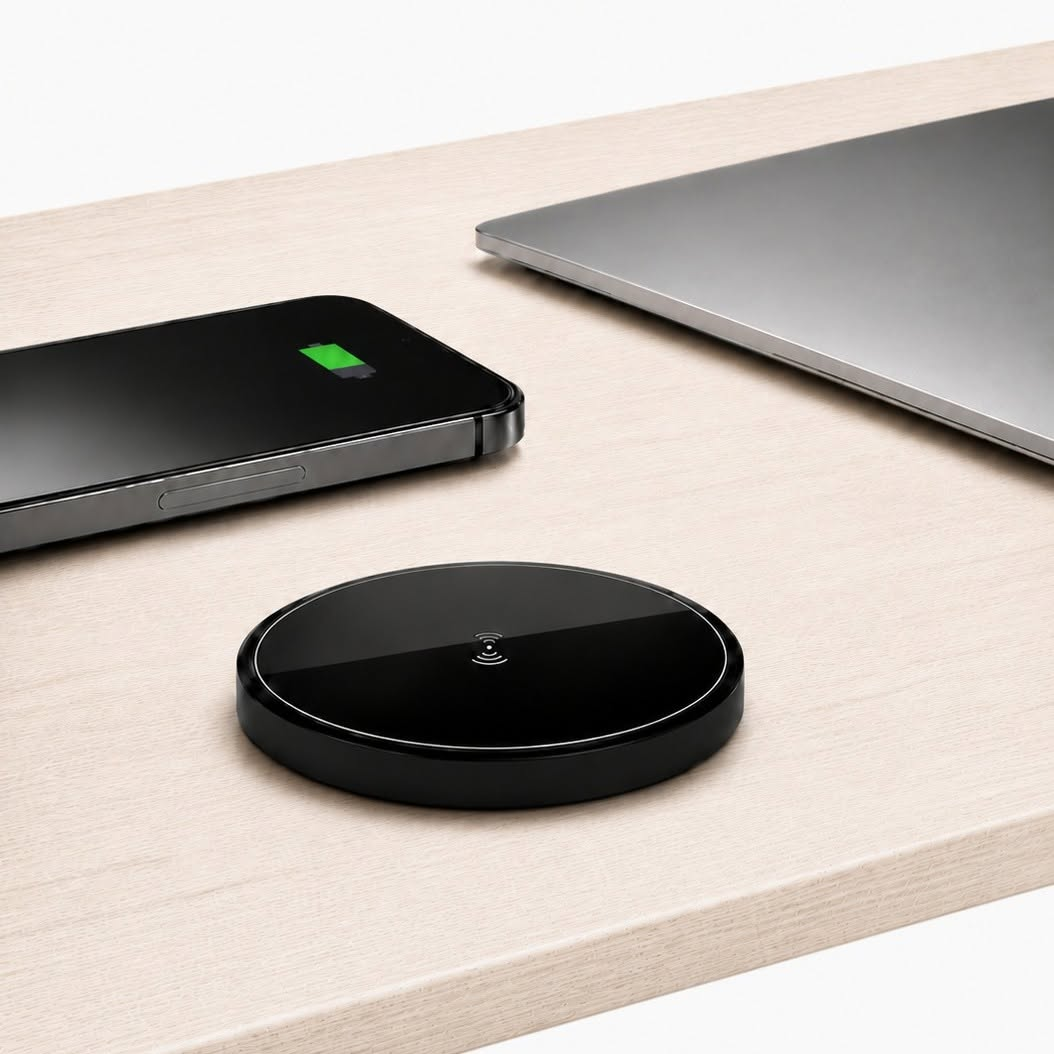
Selected Powerlogic configurations include USB-A, USB-C or wireless charging. If you plan to charge a laptop through USB-C, check that the selected charger’s output meets your laptop’s requirements.
Would double-sided access be useful?
If people use your island from both sides, the Gemini’s double-sided socket arrangement is worth considering. It provides access from either side of the unit, which can be useful on a shared kitchen island.
How much space is needed below the countertop?
The visible section is only part of the unit. A retractable PowerDock also needs clearance inside the cabinetry.
Before selecting a model, check its installation dimensions, countertop cut-out and cable routing against the position of drawers, shelves and appliances. Share the installation guide with your kitchen installer before any cutting begins.
What does water resistance when closed mean?
Water resistance applies to the conditions specified for each product. It does not mean the unit is waterproof or suitable for immersion.
Check the selected model’s guidance and plan its position carefully around sinks and wet preparation areas. Follow the installation and use instructions supplied with the unit.
Which PowerDock should you choose?
For manual operation, explore the MK 1, MK 3, PD 4 and PD 5 ranges. The PD 4 has a round top cap, while the PD 5 offers an octagonal design.
For gas-strut-assisted opening, look at the MK 2. If access from both sides is a priority, consider Gemini. Then select the socket and charging configuration that suits your appliances and devices.
Planning your kitchen island? Contact Powerlogic for help choosing a PowerDock that suits your space.